Their ideas and notes, shared with you.
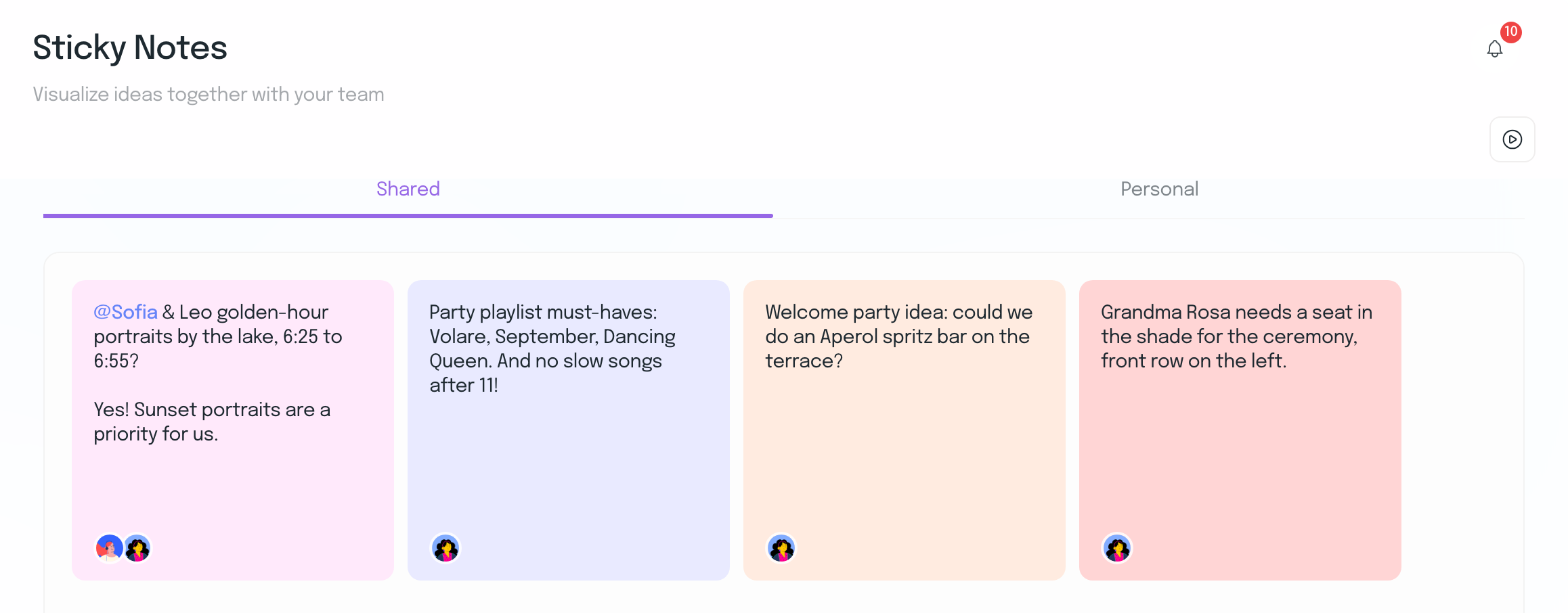
Your couple leaves ideas on shared sticky notes you can both see and syncs their Pinterest boards into the moodboard. Either of you can tag the other for an answer, and personal notes stay on their own tab.
Couple Workspace
Give every couple a shared workspace inside the wedding you run. Share vendors, tasks, questionnaires, documents, notes and timelines, while your internal work stays private.
 Their answers and decisions flow back into the wedding, so your team doesn’t have to keep everything in sync manually.
14-day free trial · No credit card required
Real-time collaboration
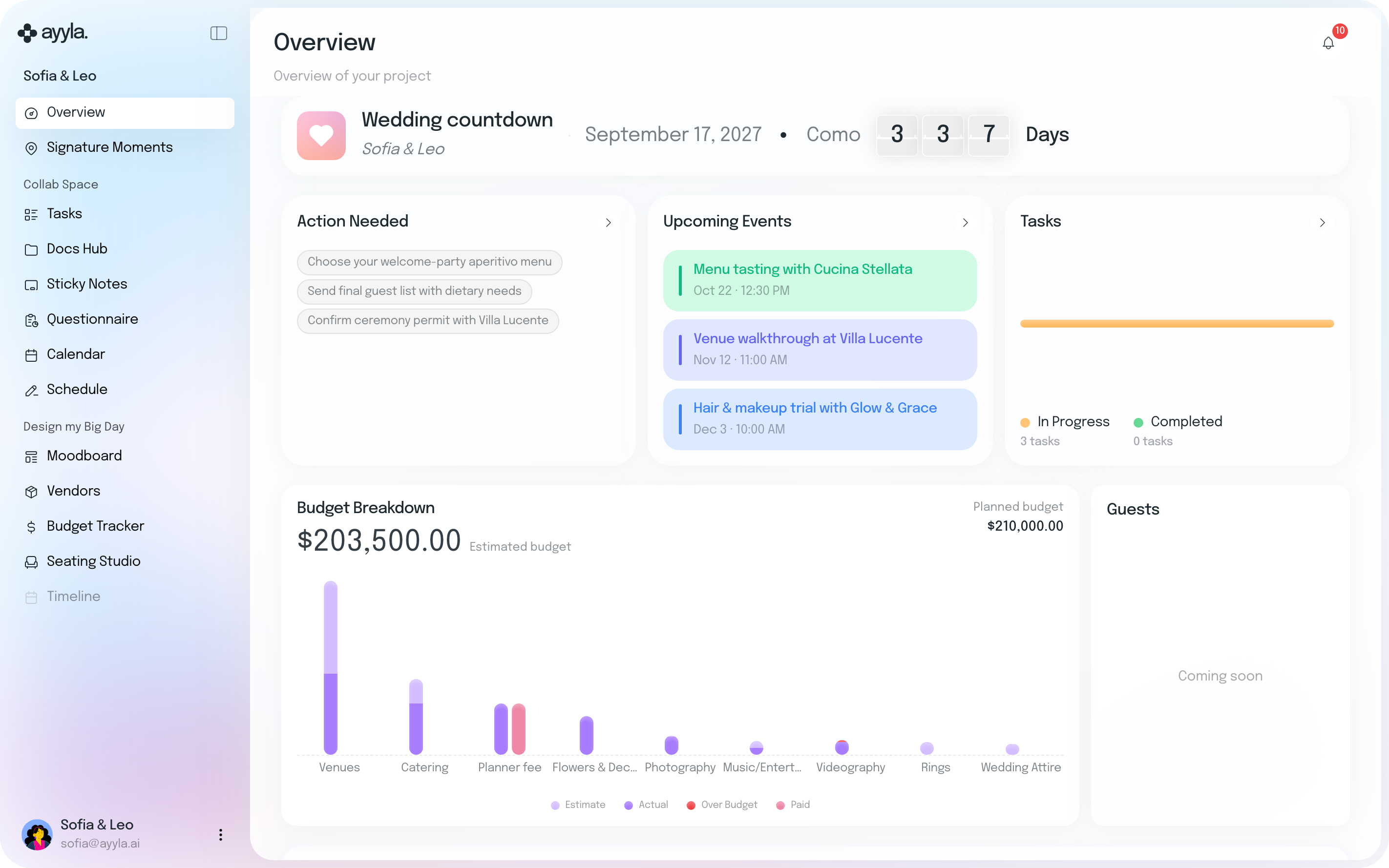
You and your couple work in the same wedding, each from your own side.
Share what’s ready.
Keep internal work private.
See their answers and decisions flow back into the plan.
Real-time collaboration from both sides of the wedding.
Your couple leaves ideas on shared sticky notes you can both see and syncs their Pinterest boards into the moodboard. Either of you can tag the other for an answer, and personal notes stay on their own tab.
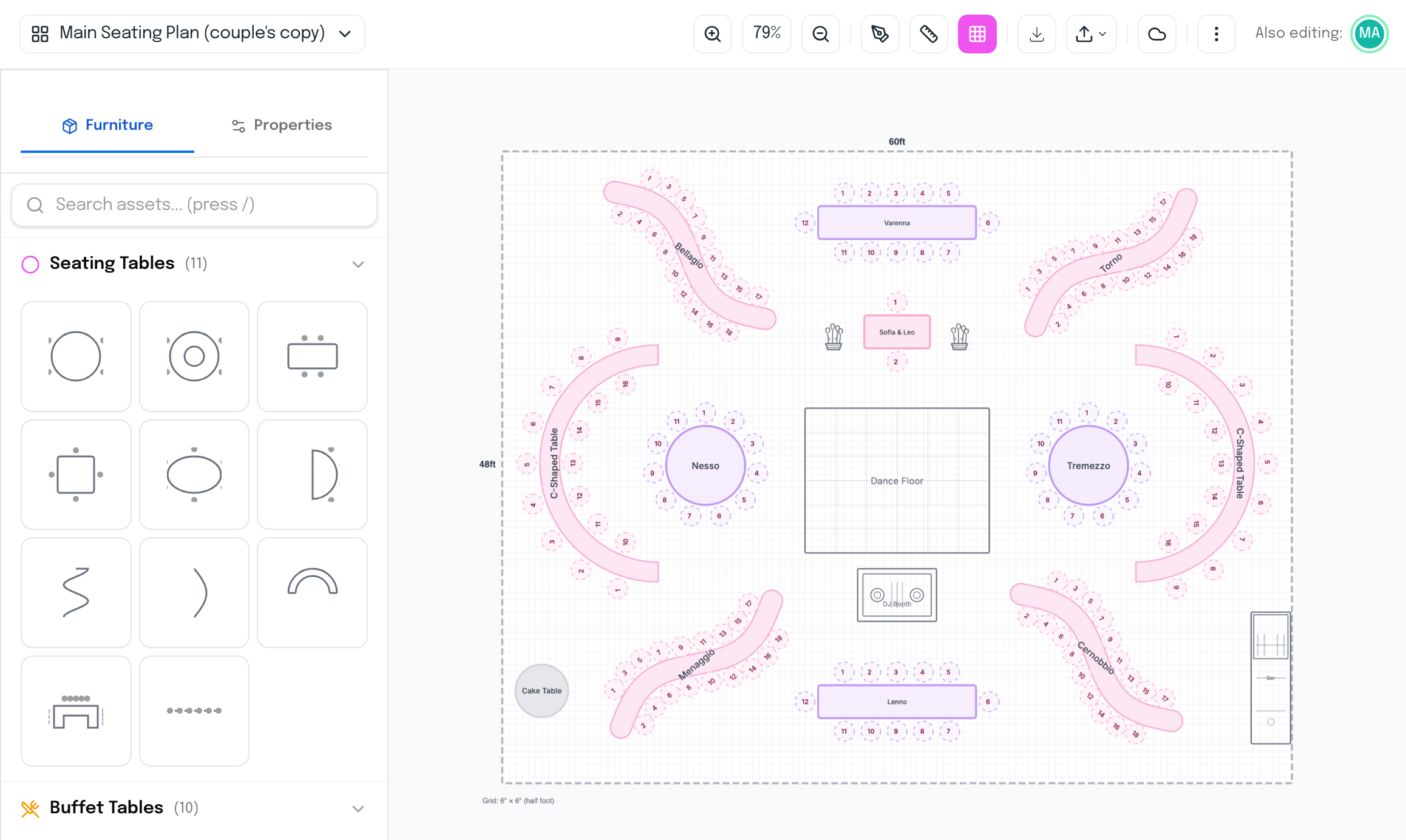
Duplicate your seating plan as a copy for your couple and work on it together, each of you able to see when the other is editing. Your original plan stays separate and unchanged.
Share the vendors you recommend without your notes or commissions, keep personal sticky notes to yourself, and switch the timeline on or share the seating plan when they’re ready. Your business Financials are never part of their view.
Ayyla reads their answers before drafting the day, so you don’t copy them across.
See which of your Supplier Hub vendors they’ve saved before you make the booking.
They book meetings with you through your Calendly links, and task progress and upcoming meetings show on their home page.
Give your couple a place in the plan, not another portal.
Everything planners usually want to know before inviting their couples into Ayyla.
Your couple can see where the wedding stands, browse the vendors you share and save favorites, answer your questionnaires, sync Pinterest boards to the moodboard, add sticky notes, share documents and book meetings through your Calendly links. They see the timeline once you switch it on.
No. Couples see the vendors you bring into their wedding, without your notes or commissions. Your business Financials stay in Planner HQ and are never shown to couples.
You and your team find their answers in the wedding, not in an email thread. When you build the timeline, Ayyla can use their questionnaire summaries as context, and you can turn that off.
Yes. Once Google Drive is connected, Docs and Sheets in the wedding’s folder can be edited in Drive and the changes come back to Ayyla. You can also start a new Doc or Sheet from inside Ayyla.
No. The Couple Workspace is included in every Ayyla plan, and plans are priced for your business, not per wedding.
Your couple plans alongside you, in the same wedding your team runs.
14-day free trial · No credit card required